Support
Getting started with Field One
From box to first photo in about ten minutes. You’ll need an SD card and, for setting the time, your phone.
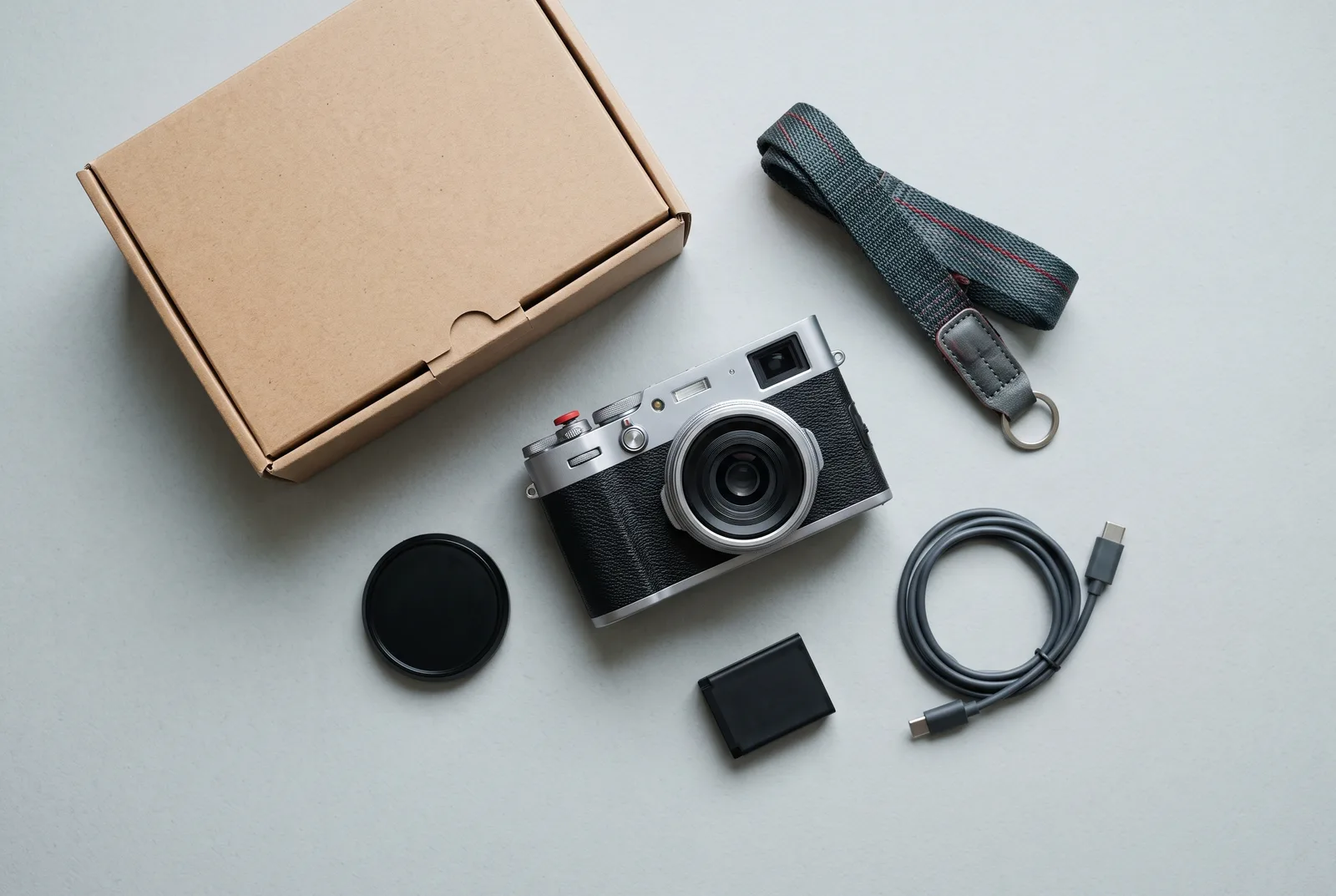
Five steps
-
Charge the battery
Open the door on the base, slide the battery in with the contacts facing the lens and close it. Plug in USB-C. It takes about two hours from empty; the top display shows when it’s full.
-
Insert a card
The SD slot is behind the same door. Format the card in the camera: hold the ISO wheel in and press the shutter twice.
-
Pair the app
Install the Halde app on iOS or Android, hold Fn for two seconds and follow the app. It sets the date, time, your name in the files and the auto ISO limit.
-
Set the dials
A good start: shutter dial on A, aperture at f/5.6, ISO on Auto. The camera will choose the shutter speed and show it in the finder.
-
Take your first photo
Look through the finder, turn the focus tab until the two images in the centre patch line up, and press the shutter.
Where everything is
-
Shutter speed dial
Speeds and A for aperture priority. Lift and turn to leave A.
-
Exposure compensation
±3 stops in thirds. Works in A and with auto ISO.
-
ISO wheel
Press it in to switch the top display between shots left and battery.
-
Fn button
Hold for Wi-Fi. A short press locks exposure.
-
Aperture ring and focus tab
Aperture at the front, focus behind it, depth-of-field scale between them.
Setting-up questions
Do I have to use the app?
No. Without it the camera works fully, but the date and time won’t be set. You can also set them from a text file on the card; the manual explains how.
Should I shoot raw or JPEG?
Start with both. The JPEGs are good enough to share straight away, and the DNG files are there if you want to edit.
Why is the shutter speed in the finder blinking?
It’s below 1/30, so hold steady or open the aperture. You can switch the warning off in the app.
Want to go deeper?
The online manual covers every control and setting in six short chapters.